

Why Switching ISPs Feels Harder Than It Should
Changing internet providers sounds straightforward on paper, but in practice it involves overlapping timelines, contract fine print, and equipment logistics that can catch households off guard. Many people either stay with a provider they're unhappy with or make the switch impulsively and end up with a service gap or unexpected fee. Neither outcome is inevitable.
The process becomes manageable when you approach it in a defined sequence - auditing what you have, verifying what's actually available, and handling the handoff carefully. The steps below walk you through that sequence. If you're also weighing a change to your wireless service, the principles share some similarities - our carrier-switching checklist covers the phone side of the equation.
What you will need
Speed test tool (e.g., fast.com or speedtest.net)
Measure your current connection speeds as a baseline before switching.
ISP availability checker
Confirm which providers serve your exact address before comparing plans.
Your current ISP bill or account statement
Identify your contract end date, current rate, and any applicable termination fees.
Ethernet cable
Useful for directly connecting a device to the new router to test the connection at install.
Step-by-Step: Making the Switch
Work through these steps in order. Skipping ahead - especially canceling your current service before the new one is confirmed - is where most switching problems originate.
Early Termination Fees Can Be Significant
Many ISP contracts include early termination fees (ETFs) that can run from $50 to several hundred dollars depending on how much time remains on your agreement. Review your current contract carefully and factor any ETF into your decision. Our ISP contract guide explains the clauses most likely to catch you off guard.
Audit your current service and contract
Before you shop around, understand what you're currently paying for and what it would cost to leave. Pull up your latest bill and note your monthly rate, contract end date, and any promotional pricing that may have already expired. Check whether you're renting a modem or router from your current ISP - that equipment needs to go back when you cancel.
For a deeper look at the clauses that commonly trip people up, see our plain-language ISP contract guide.
Check which providers are available at your address
ISP availability is hyper-local. A provider serving your neighborhood may not reach your building or street. Enter your full address - including unit number - into each provider's availability tool rather than relying on general coverage maps. Fiber, cable, DSL, and fixed wireless each have different footprints, and the technology available to you will affect both speed ceiling and reliability.
Compare plans based on your actual usage needs
Resist the pull of headline speeds. A household with two remote workers and a couple of streaming devices typically needs at least 100-200 Mbps of consistent download speed, but your situation may differ. Focus on upload speeds if you video call frequently - many cable plans are asymmetric, offering much slower upload. Also confirm whether a plan carries a data cap, which can mean overage charges or throttled speeds once you hit the limit.
Before committing, work through our new-plan checklist to make sure you're asking the right questions.
Sign up and schedule installation
Once you've chosen a plan, complete the sign-up - either online or by phone. Request a written confirmation of the price, contract length, and any installation fees before you agree. Schedule your installation appointment for a window when someone can be home to let the technician in and verify the connection before they leave. Ask specifically whether the technician will test speeds at the point of install.
Test your new connection thoroughly
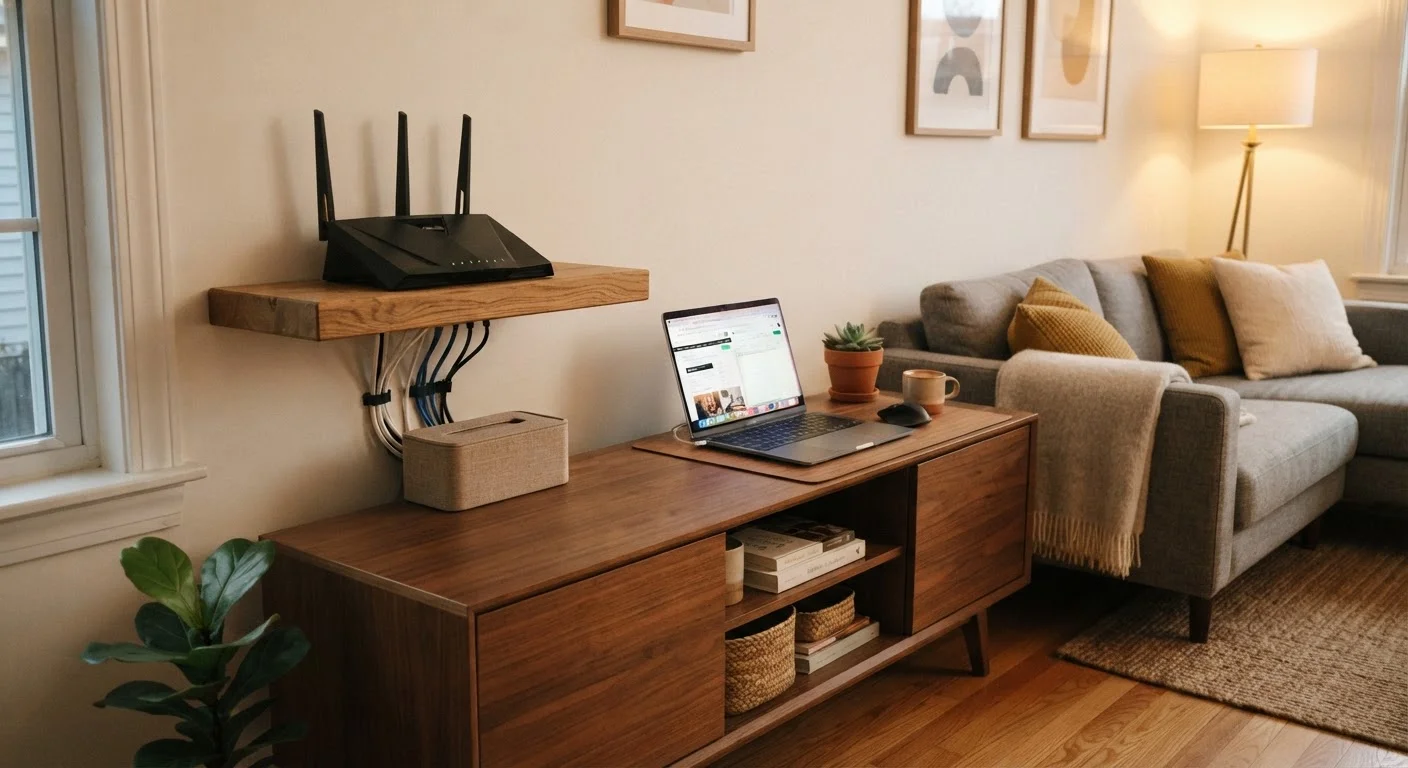
When the technician finishes, don't just confirm the Wi-Fi password works. Connect a device via ethernet directly to the router and run a speed test. Walk through your home and check Wi-Fi signal in the rooms you use most. If your household streams, video calls, or games, run those applications briefly to confirm performance. Note any weak spots - you may need a Wi-Fi extender or mesh node, but start with the router placement before adding hardware.
For tips on making the most of ISP-provided equipment, see our guide on getting the most out of your ISP router.
Cancel your old service and return equipment
Only once you've confirmed your new connection is working should you call your old ISP to cancel. Get a cancellation confirmation number and ask for written confirmation by email. If you're renting equipment from the old provider, return it promptly using their preferred method - often a prepaid shipping label or a drop-off at a retail location. Keep your receipt or tracking number until the final bill clears, as some ISPs charge for equipment they claim was never returned.
Test Your Speed Before and After
Run a speed test on your current connection and save the result. After your new service is installed, run the same test and compare. This gives you concrete data if you need to raise a concern with the new provider and helps you confirm you're getting what you paid for.
After the Switch: What to Monitor
The first 30 days with a new ISP are your best window to identify problems while everything is fresh and your leverage is highest. Keep an eye on a few things:
- Consistency: Occasional slowdowns are normal, but persistent speed drops at peak hours (evenings, weekends) can signal an oversubscribed network in your area.
- Billing accuracy: Confirm your first bill matches the rate and terms you were quoted. Discrepancies are easier to resolve early.
- Equipment performance: ISP-provided routers vary in capability. If coverage in your home is uneven, router placement often matters more than the hardware itself - experiment before buying anything additional.
Most ISPs have a service guarantee window - often 30 days - during which you can cancel without penalty if the service doesn't meet basic standards. Review your new contract for that clause so you know your options.
Don't Cancel Before You're Connected
One of the most common mistakes households make is canceling their current ISP the moment they sign up with a new one. Installation delays and scheduling gaps can leave you without internet for days. Keep your existing service active until the new connection is live and tested.
The content on this site is provided for informational purposes only and should not be considered a substitute for professional advice. While we strive to provide accurate and up-to-date information, we make no guarantees regarding its completeness or accuracy. Always consult a qualified professional for advice specific to your circumstances before making any decisions