

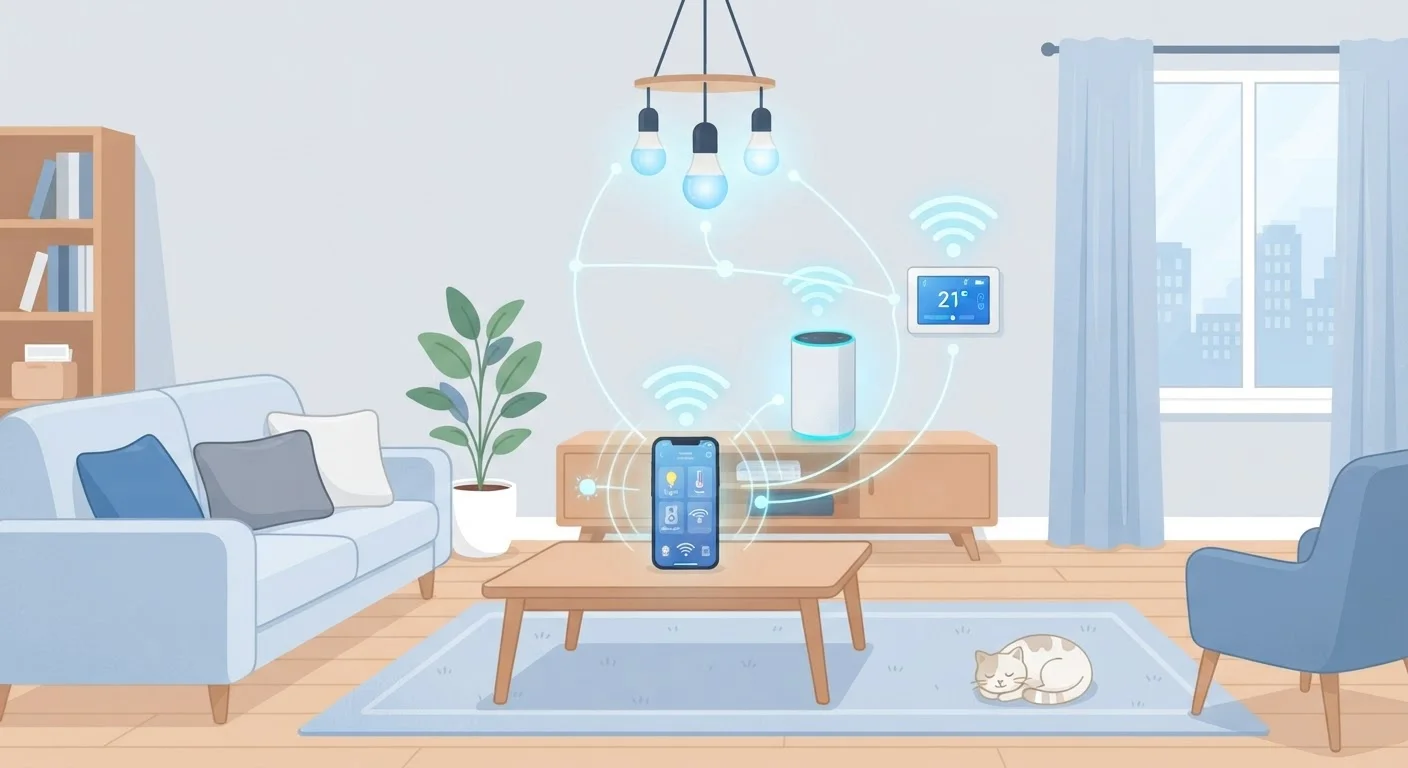
The Basics: Why Devices Don't All Speak the Same Language
If you've ever tried to get a smart bulb from one brand talking to a hub from another, you've run into one of smart home technology's most persistent headaches: protocol fragmentation. Manufacturers have historically built products around different wireless standards, sometimes to optimize for specific use cases and sometimes simply to maintain ecosystem lock-in.
There are four main protocols you'll encounter in a typical American home: Wi-Fi, Zigbee, Z-Wave, and Bluetooth. A newer addition, Matter, is designed to cut across these divides. Understanding what each one does - and what it costs you - makes shopping and troubleshooting far less confusing. For a broader introduction to setting up smart devices, see our plain-language smart home guide.
~29%
U.S. households with at least one smart home device
According to Statista research covering the U.S. smart home market, adoption has grown steadily through the early 2020s.
300+
Matter-certified products at launch
The Connectivity Standards Alliance reported more than 300 certified Matter devices were available within the first year of the standard's release in 2022.
~65 ft
Typical indoor Zigbee mesh node range
Zigbee devices generally communicate reliably within 30-65 feet of each other indoors, with each device extending the mesh further.
Wi-Fi, Zigbee, Z-Wave, and Bluetooth: What Each One Does
Wi-Fi is the protocol most people already understand - it's the same signal your phone and laptop use. Smart devices that run on Wi-Fi connect directly to your home router without any extra hardware. The downside: every Wi-Fi device adds load to your router, and in a home with 30 or 40 connected gadgets, that congestion shows up as slowdowns and dropped connections. If your router is already struggling, adding more Wi-Fi devices makes things worse. Our article on what slows down Wi-Fi signals covers this in detail.
Zigbee and Z-Wave are purpose-built for smart home use. Both operate on different radio frequencies than Wi-Fi (Zigbee uses 2.4 GHz; Z-Wave uses sub-1 GHz frequencies), and both form mesh networks - meaning each device can relay signals through neighboring devices to extend range. This makes them reliable in larger homes. The trade-off: both require a compatible hub, and Zigbee and Z-Wave devices are not interchangeable.
Bluetooth is simple and requires no hub, but it's limited in range - typically under 30 feet - and doesn't mesh. It suits devices you use close to your phone, like smart locks or portable speakers.
A homeowner buys a Zigbee smart bulb to add to their setup, but their existing hub only supports Z-Wave devices.
A family installs 25 Wi-Fi smart plugs, cameras, and thermostats in their home, then notices everything from video streaming to smart device response times becoming sluggish.
Someone buys a Matter-certified smart lock and a Matter-certified thermostat from two different brands and sets them both up using a single app on their phone.
A renter in a small apartment sets up a Bluetooth smart lock on their front door, but finds it only responds when their phone is nearby.
What Matter Changes - and What It Doesn't
Matter is an industry-wide standard launched in late 2022 and developed by the Connectivity Standards Alliance, with backing from Amazon, Apple, Google, and Samsung. Its goal is straightforward: a Matter-certified device should work with any Matter-compatible hub or app, regardless of brand. This addresses the single biggest pain point in smart home setup - buying a device only to discover it doesn't play nicely with what you already own.
Matter runs on top of existing network infrastructure (Wi-Fi and a protocol called Thread, which is similar in concept to Zigbee's mesh approach). Importantly, Matter doesn't eliminate other protocols - Zigbee and Z-Wave devices still exist and still work. But if you're building a new setup or replacing older gear, prioritizing Matter-certified products gives you more flexibility over time.
The catch: older devices rarely gain Matter support through updates unless the manufacturer explicitly adds it. Don't assume your existing smart home devices will automatically become Matter-compatible.
Check the Protocol Before You Buy
Before purchasing any smart home device, look for the protocol label on the product page - it's usually listed under 'connectivity' or 'compatibility.' Match it to your existing hub or ecosystem. If a device supports Matter, that's a reliable sign it will work across major platforms without extra workarounds.
Why Compatibility Problems Happen and How to Reduce Them
Most smart home frustrations come down to three scenarios. First, you buy a device that uses a protocol your existing hub doesn't support - for example, a Zigbee bulb when your hub only speaks Z-Wave. Second, you mix ecosystem apps that don't integrate - one brand's app controlling some devices, another brand's controlling others, with no unified way to automate them together. Third, router overload silently degrades performance as Wi-Fi device counts climb.
Before buying any new smart device, check three things: which protocol it uses, which hub (if any) it requires, and whether that hub is compatible with devices you already own. The setup mistakes that haunt new smart home owners often start here - buying first and researching compatibility second.
If you already have a mixed setup, a multi-protocol hub - one that supports both Zigbee and Z-Wave alongside Wi-Fi - can act as a translator and unify control. This doesn't fix every incompatibility, but it eliminates the most common ones. And if your internet connection itself is part of the problem, understanding your home internet setup is a useful starting point for ruling out network-level issues.
Frequently Asked Questions
The most common reason is a protocol mismatch - for example, one device uses Zigbee while another only supports Z-Wave. They literally cannot communicate without a hub that supports both. Checking that devices share the same protocol or ecosystem before buying saves a lot of frustration.
Matter is an open standard backed by Apple, Google, Amazon, and others that lets compatible devices from different brands communicate directly. Devices certified for Matter should work across major ecosystems. However, older devices don't automatically gain Matter support - they need firmware updates or hardware that supports it.
No. Many smart devices - especially bulbs, door locks, and sensors - use Zigbee or Z-Wave instead, which require a compatible hub but put far less strain on your Wi-Fi network. Bluetooth-based devices work without Wi-Fi at all, though usually only within short range.
A hub is a central device that connects and translates between different protocols, allowing mixed-brand devices to work together. You need one if your devices use Zigbee or Z-Wave. Some routers and smart speakers double as hubs for certain protocols.
Most home routers can comfortably handle 20-30 connected devices, though performance varies by router model and internet plan. If you have dozens of smart gadgets, using Zigbee or Z-Wave for lower-bandwidth devices keeps your Wi-Fi less congested.
Bluetooth works well for devices used close to your phone or a hub - like smart locks or speakers - but its range is limited to roughly 30 feet. It doesn't form a mesh network like Zigbee, so it's less practical for whole-home setups.
The content on this site is provided for informational purposes only and should not be considered a substitute for professional advice. While we strive to provide accurate and up-to-date information, we make no guarantees regarding its completeness or accuracy. Always consult a qualified professional for advice specific to your circumstances before making any decisions