

Why Everyday Devices Are a Common Target
Your phone, tablet, and laptop hold a surprising amount of sensitive information - banking apps, saved passwords, health data, personal photos, and private messages. Cybercriminals and data brokers are well aware of this, which is why personal devices are among the most frequently targeted entry points for identity theft and fraud.
The good news: most data breaches involving personal devices aren't sophisticated attacks. They exploit predictable weaknesses - weak passwords, outdated software, or overly permissive app settings. Addressing these doesn't require technical expertise. It requires consistent habits.
If you're also thinking about data safety away from home, our guide on protecting your data while traveling covers risks specific to public Wi-Fi and shared devices on the road.
Use a unique, strong password for every account and manage them with a password manager.
Reusing passwords across accounts means a single breach can expose everything. Password managers generate and store complex, unique credentials for each account so you don't have to remember them. This is widely considered the highest-impact individual security habit.
Enable two-factor authentication (2FA) on your most important accounts.
Two-factor authentication requires a second verification step - typically a code sent to your phone or generated by an authenticator app - in addition to your password. Even if your password is stolen, an attacker cannot access your account without that second factor.
Keep your device's operating system and apps updated as soon as updates are available.
Software updates frequently include patches for security vulnerabilities that are actively being exploited. Delaying updates leaves known holes open. Enabling automatic updates removes the friction of remembering to do this manually.
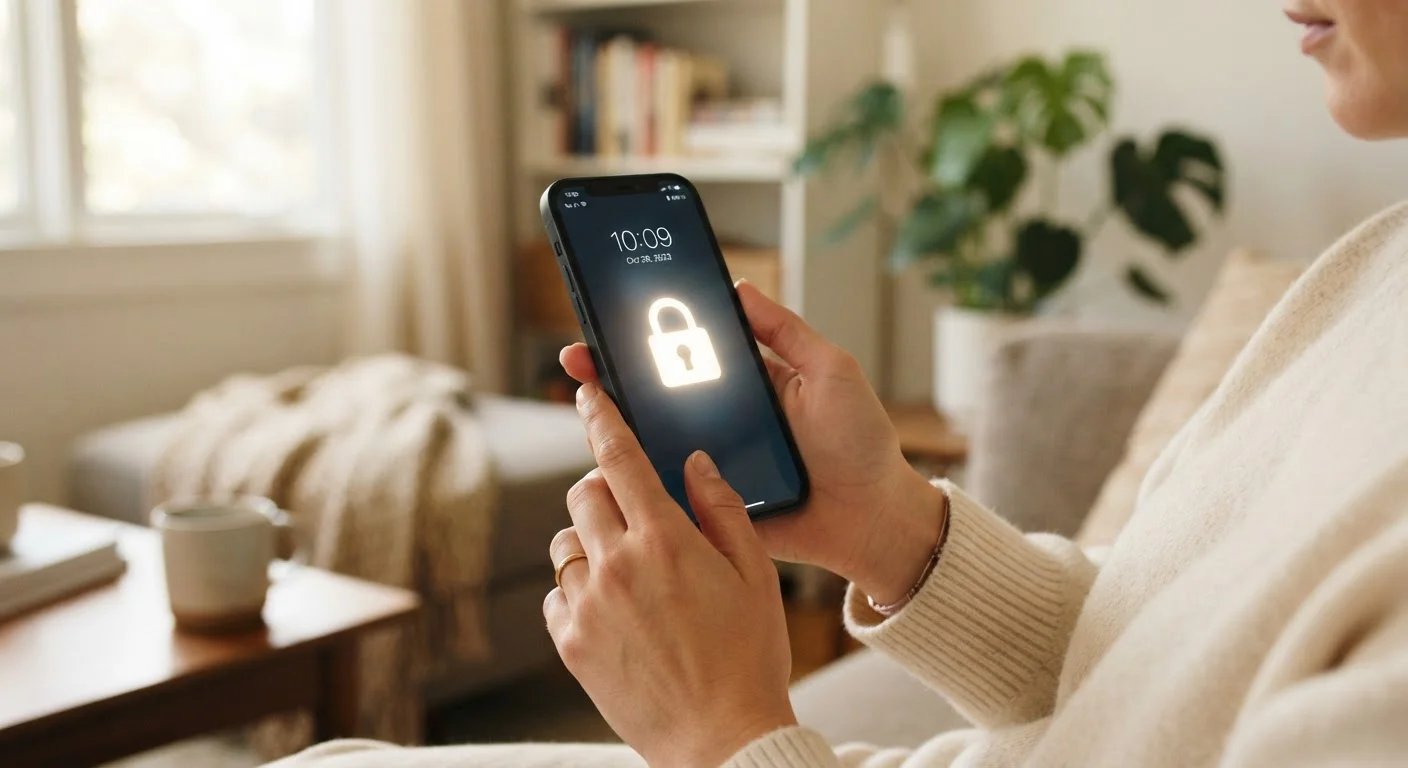
Set a strong lock screen PIN, password, or biometric lock on every device.
Physical access to an unlocked device bypasses most other security measures entirely. A six-digit PIN is significantly more secure than a four-digit one; a full alphanumeric password is stronger still. Biometrics like fingerprint or face unlock add convenience without sacrificing meaningful security.
Audit app permissions every few months and remove access that isn't clearly necessary.
Apps accumulate permissions over time, especially after updates. Regular audits catch cases where an app has gained new access to your microphone, location, or contacts that wasn't present when you first installed it.
Avoid using public Wi-Fi for sensitive tasks; use a VPN if you must connect.
Open public Wi-Fi networks - in airports, hotels, and cafés - can expose your traffic to other users on the same network. A VPN (Virtual Private Network) encrypts your connection so that even on a shared network, your data is harder to intercept.
Quick Actions You Can Take Today
Some of the most impactful security improvements take only a few minutes to set up. Before diving into longer-term habits, consider handling these right now.
Understanding App Permissions and Data Access
Every app you install can request access to parts of your device - your camera, microphone, location, contacts, and more. Many apps request far broader permissions than their core function requires. A flashlight app that wants access to your contacts, for example, has no obvious need for that data.
Both Android and iOS allow you to review and revoke permissions at any time through your device's settings menu. It's worth doing this audit at least twice a year. Revoke location access for apps that don't clearly need it, and switch location-enabled apps from "always on" to "only while using the app" where possible.
App Permissions Reset After Updates
Some app updates on Android devices can reset previously revoked permissions, effectively granting access again without notifying you. This is another reason to check your permission settings periodically rather than just once. iOS handles this differently - permission changes generally persist across updates - but reviewing both platforms regularly is a sound habit regardless.
For a broader look at how the software on your devices affects long-term performance, see practical phone maintenance habits that cover both security and performance together.
Storage, Backups, and What You Keep on Your Device
Where your data lives matters as much as how it's protected. Files stored only on your device are lost if it's stolen or damaged - but files stored in the cloud carry their own privacy trade-offs. Understanding the difference helps you make smarter decisions about what to keep where.
Our breakdown of cloud storage vs. local storage explains the practical trade-offs in plain terms. As a general rule, sensitive documents - tax records, ID scans, financial statements - should be stored in encrypted locations rather than standard photo libraries or open cloud folders.
Encrypted backups (available natively on both iPhone and many Android devices) mean that even if someone gains access to your backup file, they can't read the contents without your credentials.
80%+
Of breaches involve weak or stolen passwords
According to analysis from Verizon's annual Data Breach Investigations Report, the overwhelming majority of hacking-related breaches involve compromised credentials.
1 in 3
Americans affected by data breach annually
Research from various consumer security organizations consistently finds that roughly one in three U.S. adults is affected by a data breach or exposed record in a given year.
The content on this site is provided for informational purposes only and should not be considered a substitute for professional advice. While we strive to provide accurate and up-to-date information, we make no guarantees regarding its completeness or accuracy. Always consult a qualified professional for advice specific to your circumstances before making any decisions