

Our Verdict
Neither cloud storage nor local storage is universally superior - each handles different scenarios well. Cloud storage excels for accessibility, sharing, and automatic backups, while local storage is faster, works offline, and keeps your data entirely under your control. The most practical approach for most people is a hybrid strategy.
| Best for | Recommended |
|---|---|
| Those who need files accessible across multiple devices or locations | Cloud Storage |
| Those handling sensitive files who prefer to avoid third-party servers | Local Storage |
| Those who want automatic photo and document backups without manual effort | Cloud Storage |
| Those frequently working in areas with limited or no internet connectivity | Local Storage |
How Each Storage Method Actually Works
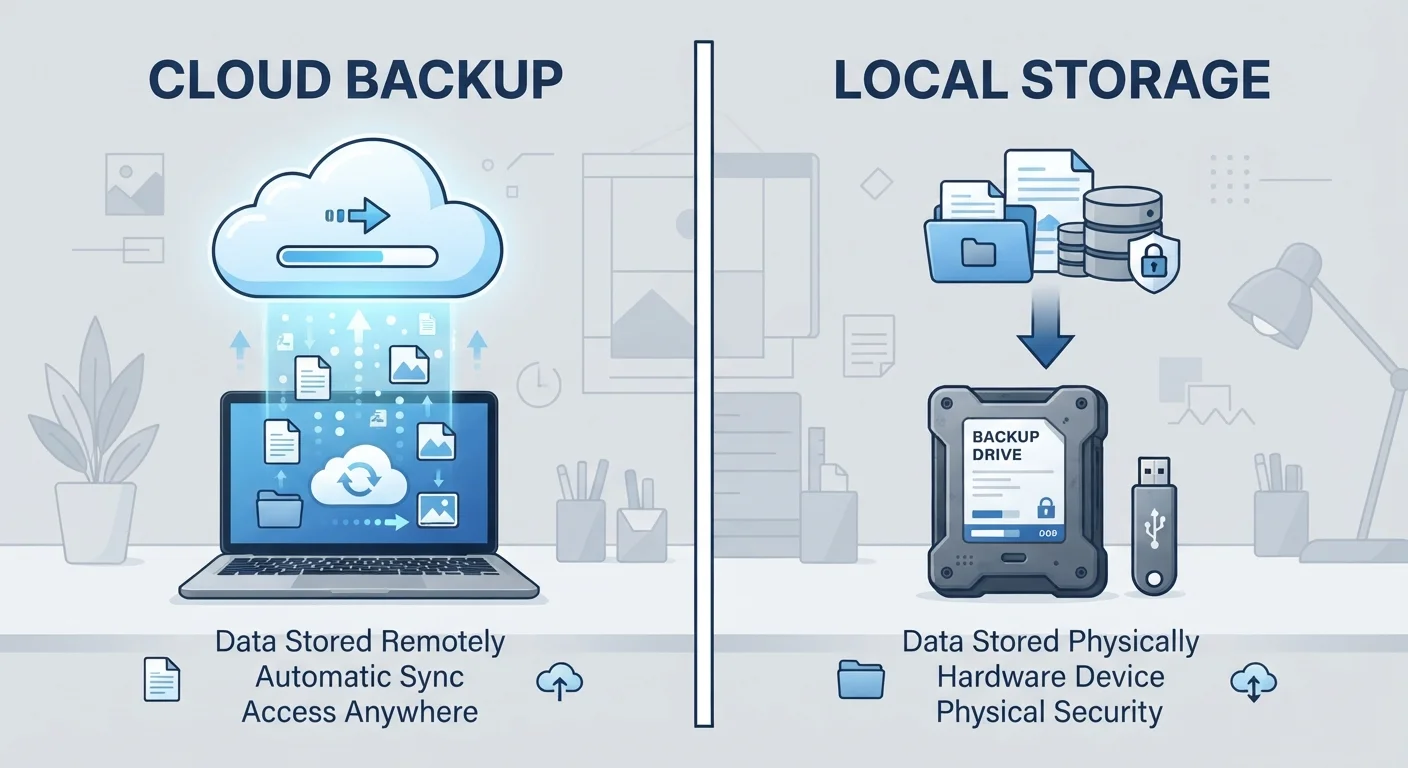
When you save a file to local storage, it physically lives on hardware you own or control - the internal drive of your phone, laptop, or desktop, or an external device like a USB drive or hard drive. Accessing it requires no internet connection, and no third party is involved.
When you save to cloud storage, your file is transmitted over the internet and stored on servers maintained by a service provider in a remote data center. You access those files through an app or browser whenever you have an internet connection. The file isn't on your device (unless you've explicitly downloaded a copy), but it can be reached from virtually any device you're signed into.
Think of local storage like a filing cabinet in your home, and cloud storage like a safety deposit box at a bank - accessible, but dependent on someone else's infrastructure staying operational.
| Cloud Storage | Local Storage | |
|---|---|---|
| Access requirement | Internet connection needed | No internet needed |
| Accessibility across devices | Any signed-in device | Device or drive it's stored on |
| Risk of loss | Service changes, outages, subscription lapse | Hardware failure, theft, physical damage |
| Privacy | Files on third-party servers | Files on hardware you control |
| Setup effort | Usually automatic once enabled | Manual management required |
| Cost | Free tiers limited; paid plans vary | One-time hardware cost |
| Speed | Limited by internet speed | Fast, limited only by hardware |
Reliability and What Can Go Wrong
Both approaches carry real risks that are easy to overlook until something goes wrong.
Local storage risks: Hardware fails. A hard drive can stop working without warning. A phone dropped in water, a laptop stolen from a coffee shop, or a house fire can permanently wipe out everything stored locally. Without a separate backup, that data is gone.
If you've ever seen the dreaded storage warning on your phone, our guide on what 'Storage Full' really means explains what's eating that space and how to recover it.
Cloud storage risks: Service outages happen with every major provider, though they're typically brief. A more serious concern is that your access can be suspended if you miss a subscription payment, violate a provider's terms, or if the service shuts down. Your internet connection speed also directly affects how quickly you can upload, download, or even open files - and if you're offline, you may not be able to access anything at all. For more on how your connection type affects performance, see our article on shared vs. dedicated internet connections.
Privacy: Who Can See Your Files?
This is where the two approaches diverge most sharply, and it's worth understanding clearly.
With local storage, your files remain on hardware you control. No company can scan them for data, no policy change can affect access, and no breach of a remote server can expose them. That said, physical theft or unauthorized access to your device is a real threat - which makes device-level security like encryption and strong passwords important.
With cloud storage, your files pass through and reside on a provider's servers. Most major providers encrypt data in transit and at rest, but the provider generally holds encryption keys - meaning they could, in principle, access your files if compelled by law or policy. Read the terms of service for any service you use to understand what you're agreeing to. For broader guidance on protecting your data across devices, see our article on keeping your personal data safe on everyday devices.
If you travel frequently and use cloud services on public Wi-Fi or unfamiliar networks, those connections introduce additional exposure. Our piece on digital security while traveling covers steps to reduce that risk.
Enable Two-Factor Authentication on Cloud Accounts
If your cloud storage account is compromised, all files in it are exposed. Two-factor authentication (2FA) - where logging in requires a code sent to your phone or generated by an app - significantly reduces that risk. Most major cloud services offer this option in their security settings, and enabling it takes only a few minutes.
Choosing the Right Approach for Your Situation
For most people, the practical answer isn't cloud or local - it's both, used strategically. A common and reliable approach is the 3-2-1 rule: keep three copies of important data, on two different types of media, with one stored off-site (which cloud storage handles neatly).
- Use cloud storage for: photos you want automatically backed up, documents you need across devices, files you share with others, and anything you'd be devastated to lose if your device broke.
- Use local storage for: large files you don't need to share, sensitive documents you're not comfortable on third-party servers, work you do offline, and as a fast-access primary copy of active projects.
The amount of free cloud storage offered by most services is limited - typically enough for documents but not for years of photos or video. Understand what you're storing and whether a paid tier would be needed before you rely on cloud storage as your only backup.
~60%
US adults using cloud storage
Pew Research Center surveys have consistently found cloud storage adoption widespread among US internet users, with the majority using at least one cloud service for personal files.
1 in 3
People who have lost data due to hardware failure
Industry surveys by storage and backup companies indicate roughly one in three people have experienced data loss from a hard drive or device failure at some point.
The content on this site is provided for informational purposes only and should not be considered a substitute for professional advice. While we strive to provide accurate and up-to-date information, we make no guarantees regarding its completeness or accuracy. Always consult a qualified professional for advice specific to your circumstances before making any decisions