

Why These Terms Matter for Your Plan
When you shop for home internet or read your monthly bill, words like bandwidth, latency, and throughput appear constantly - yet most ISPs never explain them. That gap matters, because misreading these terms can lead households to pay for speeds they can't actually use, or to blame their plan when the real culprit is their router or in-home wiring.
This glossary defines the terms you'll encounter on speed tests, ISP marketing pages, and your router's settings panel. Keep it handy when comparing plans or troubleshooting a slow connection. For a deeper look at how connection types differ, see Home Internet Explained.
| Typical residential download speed (US median) | Roughly 100-200 Mbps (FCC Broadband Progress Reports (figures vary by year and region)) |
| Recommended latency for online gaming | Under 50 ms (General industry guidance; lower is better) |
| Bandwidth unit used on most ISP plans | Mbps (Megabits per second) |
| Key difference: bandwidth vs. throughput | Bandwidth = advertised max; throughput = real-world delivered speed |
| Packet loss threshold for noticeable impact | 1-2% or higher (General networking guidance) |
Core Definitions at a Glance
The terms below are the building blocks of every internet conversation. Knowing even a rough sense of each one puts you in a much stronger position when reading a plan's fine print.
Bandwidth
The maximum data capacity of your internet connection, usually measured in Mbps or Gbps. Think of it as the width of a pipe - a wider pipe can carry more water, but it doesn't guarantee the water flows fast at any given moment.
Latency
The time it takes for a data packet to travel from your device to a server and back, measured in milliseconds (ms). Low latency means quick responses; high latency causes noticeable delays in gaming, video calls, and real-time apps.
Throughput
The actual amount of data successfully transferred over your connection in a given period, as opposed to the theoretical maximum (bandwidth). Throughput is what speed tests measure and what you experience day to day.
Jitter
Variation in latency over time. A connection that fluctuates between 20 ms and 90 ms has high jitter, which disrupts video calls and online gaming even if the average latency seems acceptable.
Upload vs. Download Speed
Download speed measures how fast data arrives at your device (streaming, browsing); upload speed measures how fast data leaves it (video calls, cloud backups). Most residential plans are asymmetric, with download speeds far exceeding upload speeds.
Ping
A practical test of latency - it sends a small signal to a server and measures how long the round trip takes, in milliseconds. The ping value shown on speed tests is essentially a latency reading.
Packet Loss
The percentage of data packets that fail to reach their destination. Even 1-2% packet loss can cause stuttering audio, frozen video frames, and degraded performance in online games.
Mbps / Gbps
Megabits per second (Mbps) and gigabits per second (Gbps) are the standard units for measuring bandwidth and throughput. One Gbps equals 1,000 Mbps. Note that these are bits, not bytes - divide by 8 to estimate file download time in megabytes per second.
One common point of confusion: people often use bandwidth and speed interchangeably. They're related but not the same. Bandwidth sets the ceiling; actual throughput is what you experience in real life, after accounting for network congestion, device limitations, and signal quality. For more on how Mbps figures translate to everyday activities, see our Mbps explainer.
How These Concepts Connect in a Real Household
Consider a four-person household where one person video-conferences, one streams 4K video, one plays an online game, and one browses the web simultaneously. Here's how each term plays out:
- Bandwidth: The plan's advertised Mbps sets the shared ceiling for all four users. If the plan offers 100 Mbps download, that capacity is divided across every active device.
- Latency: The gamer cares most here. Even a 200 Mbps plan feels sluggish for real-time gaming if round-trip latency runs above 100 ms. The video-conference user also notices high latency as audio delay or choppy video.
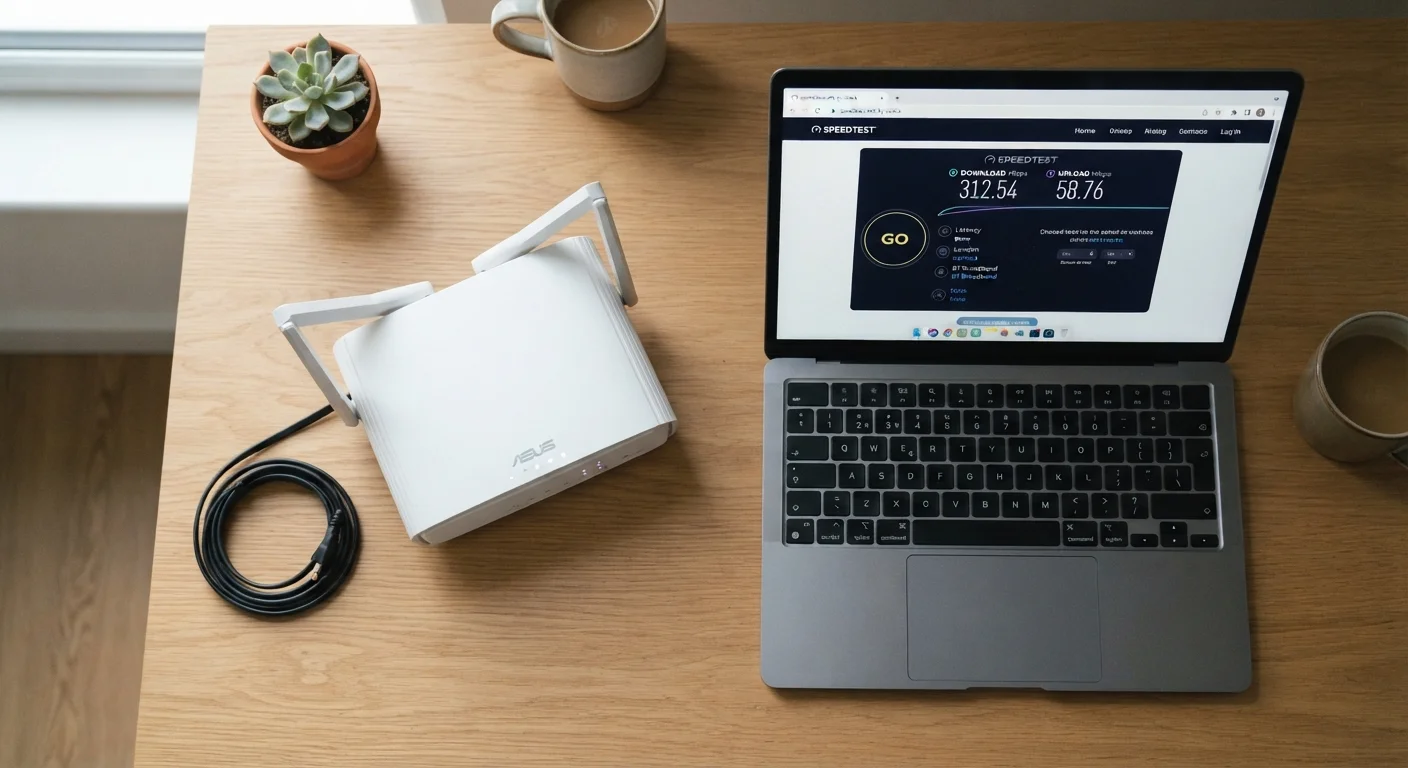
- Throughput: A plan may advertise 500 Mbps, but if your router is five years old or positioned in a far corner of the house, your laptop may only receive 80-120 Mbps of actual throughput.
- Jitter: Unstable connections - common on congested cable networks during peak hours - cause jitter, which disrupts voice and video calls even when average latency looks acceptable.
These distinctions also apply to mobile data plans. Phone plan terminology like deprioritization and throttling operates on the same underlying concepts.
Wired vs. Wireless and Throughput
A direct Ethernet connection between your device and router almost always delivers higher and more consistent throughput than Wi-Fi. Wi-Fi throughput is affected by distance, walls, interference from neighboring networks, and the Wi-Fi standard your devices support. If you notice a large gap between your plan's advertised bandwidth and what a speed test shows on your laptop, try running the same test on a wired connection to isolate the cause.
Practical Takeaways When Choosing or Troubleshooting
Armed with these definitions, a few practical rules become clearer:
- Don't shop by download speed alone. Ask about upload speed (critical for video calls and cloud backups), latency benchmarks, and whether the plan uses shared or dedicated infrastructure.
- Run a speed test at different times of day. A gap between your plan's advertised bandwidth and your measured throughput during evening hours often points to network congestion - not a defective modem.
- Check your router before upgrading your plan. Many households pay for higher tiers without realizing their router is the actual bottleneck limiting throughput indoors.
- Match latency expectations to your use case. Streaming services buffer data in advance and tolerate latency well. Real-time gaming and video calls do not - lower is better, typically under 50 ms for gaming.
Common misconceptions - like assuming more Mbps always means a snappier browsing experience - are worth examining too. Internet speed myths explains why those assumptions often lead to unnecessary upgrades.
The content on this site is provided for informational purposes only and should not be considered a substitute for professional advice. While we strive to provide accurate and up-to-date information, we make no guarantees regarding its completeness or accuracy. Always consult a qualified professional for advice specific to your circumstances before making any decisions