

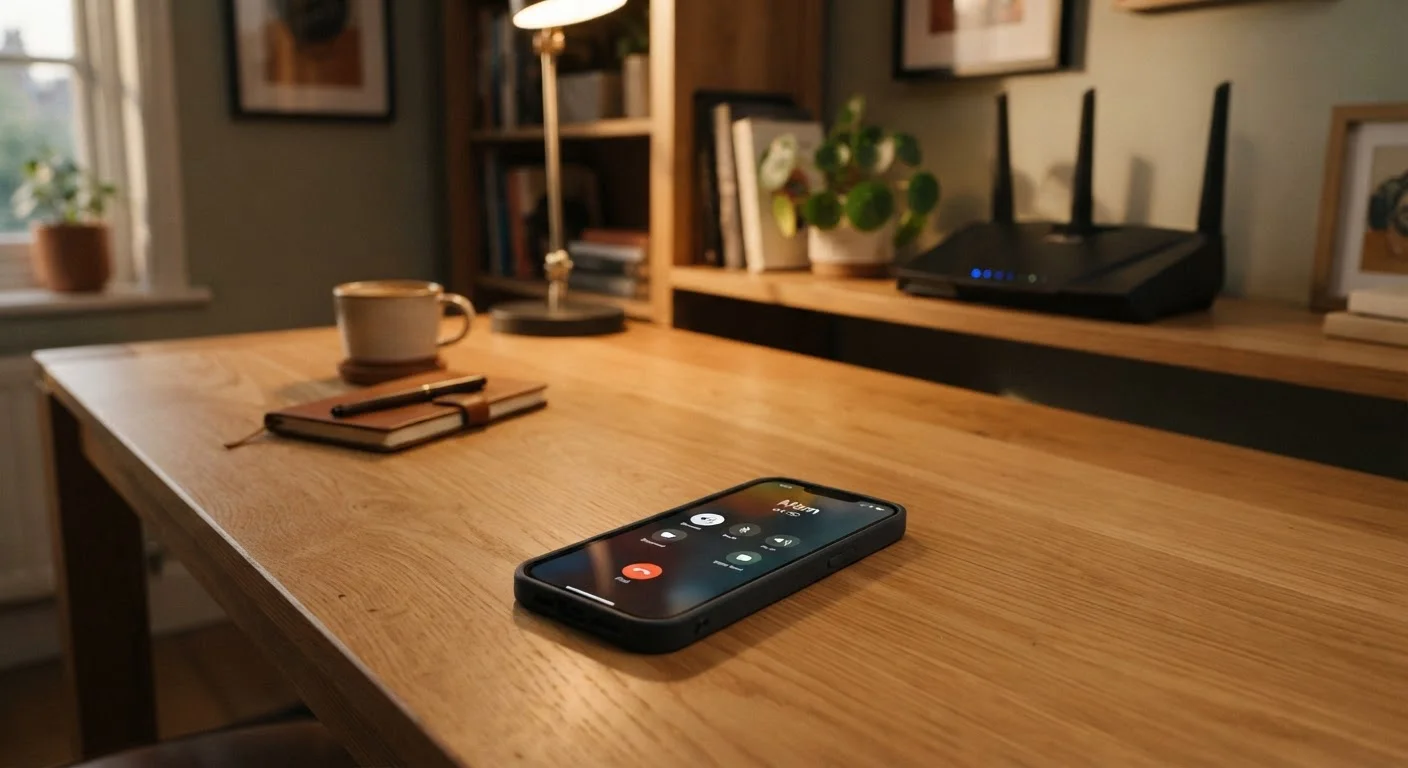
How Wi-Fi Calling Actually Works
When you make a call on your phone, it normally connects through a cellular tower operated by your carrier. Wi-Fi calling bypasses that tower entirely. Instead, your voice data travels over your broadband internet connection - the same connection powering your laptop or streaming TV - and is handed off to your carrier's network from there.
Your carrier assigns a dedicated pathway for this. Your phone number stays the same, call logs appear normally, and voicemail functions identically. The handoff happens at the network level, so neither you nor the person you're calling has to do anything special.
Many phones are also designed to switch seamlessly between Wi-Fi and cellular mid-call. If you're on a Wi-Fi call at home and walk outside, the call can transfer to the cellular network without dropping - though this transition quality varies by carrier and device.
~97%
U.S. adults with access to home broadband or Wi-Fi
According to Pew Research Center surveys on home internet use in the United States, the vast majority of American adults have access to a Wi-Fi network at home.
3 in 10
U.S. adults reporting cellular dead zones at home
Federal Communications Commission consumer research has consistently found that a significant share of Americans experience indoor coverage gaps despite living in areas with nominal cellular coverage.
When Wi-Fi Calling Makes a Real Difference
The most obvious use case is dead zones. If your home, office, or a frequently visited building gets poor cellular reception, Wi-Fi calling can turn a frustrating dropped-call situation into a reliable connection - provided you have a decent internet connection available.
Rural areas are another key scenario. Cellular towers in low-density regions are spaced far apart, and coverage maps often overstate actual signal quality inside buildings. A strong home broadband connection paired with Wi-Fi calling can compensate for a carrier's thinner rural network.
International travel is a third consideration. Some carriers allow Wi-Fi calling from abroad over local Wi-Fi networks, routing the call through your home carrier at domestic rates. This can avoid steep international roaming charges, though you should verify your specific plan's terms before relying on it.
Test Before You Commit to a Plan
If Wi-Fi calling is important to your coverage situation, confirm it works on your specific device before committing to a new carrier or plan. Enable it in your phone's settings, connect to Wi-Fi, disable cellular data temporarily, and place a test call. This takes two minutes and can reveal compatibility issues before they become a problem.
What to Check Before Assuming You Have It
Wi-Fi calling requires three things to align: a compatible phone, a plan that includes the feature, and a Wi-Fi network. All three need to be in place.
On your phone, look in the Settings app under Phone, Connections, or Calls - depending on your device - for a Wi-Fi Calling toggle. If it doesn't appear, your device may not support it, or your carrier hasn't enabled it for your account.
Plan compatibility is where things can get complicated. MVNOs - carriers that lease network capacity from the major networks rather than owning their own towers - don't always pass through all features, including Wi-Fi calling. If you're on a budget or prepaid plan through a smaller carrier, confirm Wi-Fi calling support explicitly. Our guide to prepaid vs. postpaid plans covers how plan structure affects features like this.
For a broader look at carrier terminology and what features are actually included, see our plain-language phone plan glossary.
Why It Should Factor Into Your Plan Decision
Most people evaluate phone plans on price, data allowance, and brand recognition. Wi-Fi calling is often an afterthought - until you're standing in your own kitchen unable to make a call.
If your home internet connection is solid but your cellular coverage is weak where you spend most of your time, Wi-Fi calling support should move toward the top of your evaluation criteria. A plan with marginally worse network coverage but reliable Wi-Fi calling may serve you far better in practice than one with strong coverage maps that don't reflect your actual locations.
Before switching carriers, it's worth checking whether Wi-Fi calling is available on the plans you're comparing. Our carrier switching checklist walks through the key compatibility questions - including device support - that can prevent surprises after you've already made the move.
For anyone building a broader understanding of how U.S. wireless plans are structured, the complete guide to wireless plans covers how features like Wi-Fi calling fit into the larger picture of plan tiers, network policies, and coverage claims.
Frequently Asked Questions
Most U.S. carriers include Wi-Fi calling at no additional charge on compatible plans. However, calls to international numbers over Wi-Fi may still incur standard international rates. Always confirm with your carrier before assuming calls abroad are free.
No. Only your phone needs a Wi-Fi connection. The person you're calling can be on any network - cellular or Wi-Fi - and the call connects normally through the standard phone system.
Not all phones support Wi-Fi calling. Most modern smartphones do, but the feature must be supported by both your device and your carrier plan. Check your phone's settings under the calls or connections menu to see if the option is available.
Many prepaid plans support Wi-Fi calling, though not all do. Prepaid plans from smaller carriers or MVNOs may have limitations. It's worth confirming Wi-Fi calling availability before you sign up if it matters to your coverage needs.
In areas with poor cellular signal, Wi-Fi calling can actually conserve battery life. Your phone uses less power searching for a distant cell tower when it can route calls over a nearby Wi-Fi network instead.
Wi-Fi calls are encrypted by your carrier using standard telecom security protocols, similar to a regular cellular call. However, the security of your underlying Wi-Fi network also plays a role - a secured home network is safer than an open public hotspot.
The content on this site is provided for informational purposes only and should not be considered a substitute for professional advice. While we strive to provide accurate and up-to-date information, we make no guarantees regarding its completeness or accuracy. Always consult a qualified professional for advice specific to your circumstances before making any decisions